4.12 How to configure CEF logs
Scribbler can be configured to collect syslogs in Common Event Format (CEF).
Procedure
-
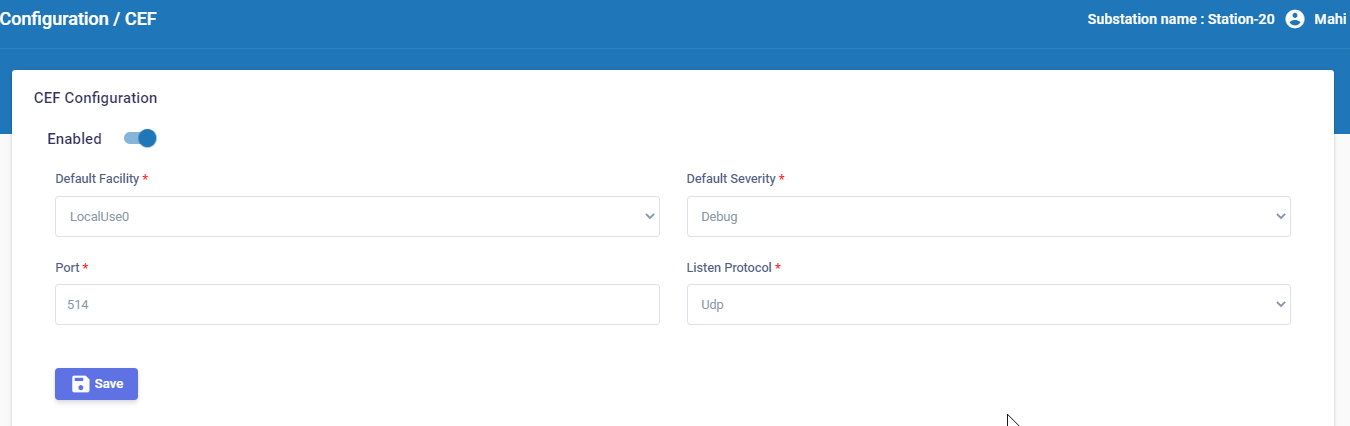
In the navigation pane, go to Configuration > CEF.
-
Enable Scribbler to collect CEF logs.
-
Select the Default Facility that will collect the logs.
-
Select the Default Severity level of the logs.
-
Specify the port that will receive the logs.
-
Select either UDP or TCP as the listening protocol.
-
If you select TCP, enter the message delimiter that should be used to identify separate syslog messages.
-
After you enter the values, click
 .
.