6. Managing User Accounts
User management allows to create and manage users for the application. The User Management option is available only for administrators. The system supports Role Based Access Control (RBAC) with the following roles and permissions:
| S.No | Role | Permissions |
|---|---|---|
| 1 | Admin | Can view logs. Can view configuration. Can modify configuration. |
| 2 | User | Can view logs. |
Any changes to the user details will take effect immediately from next login. The current logged-in session of the modified user will remain intact.
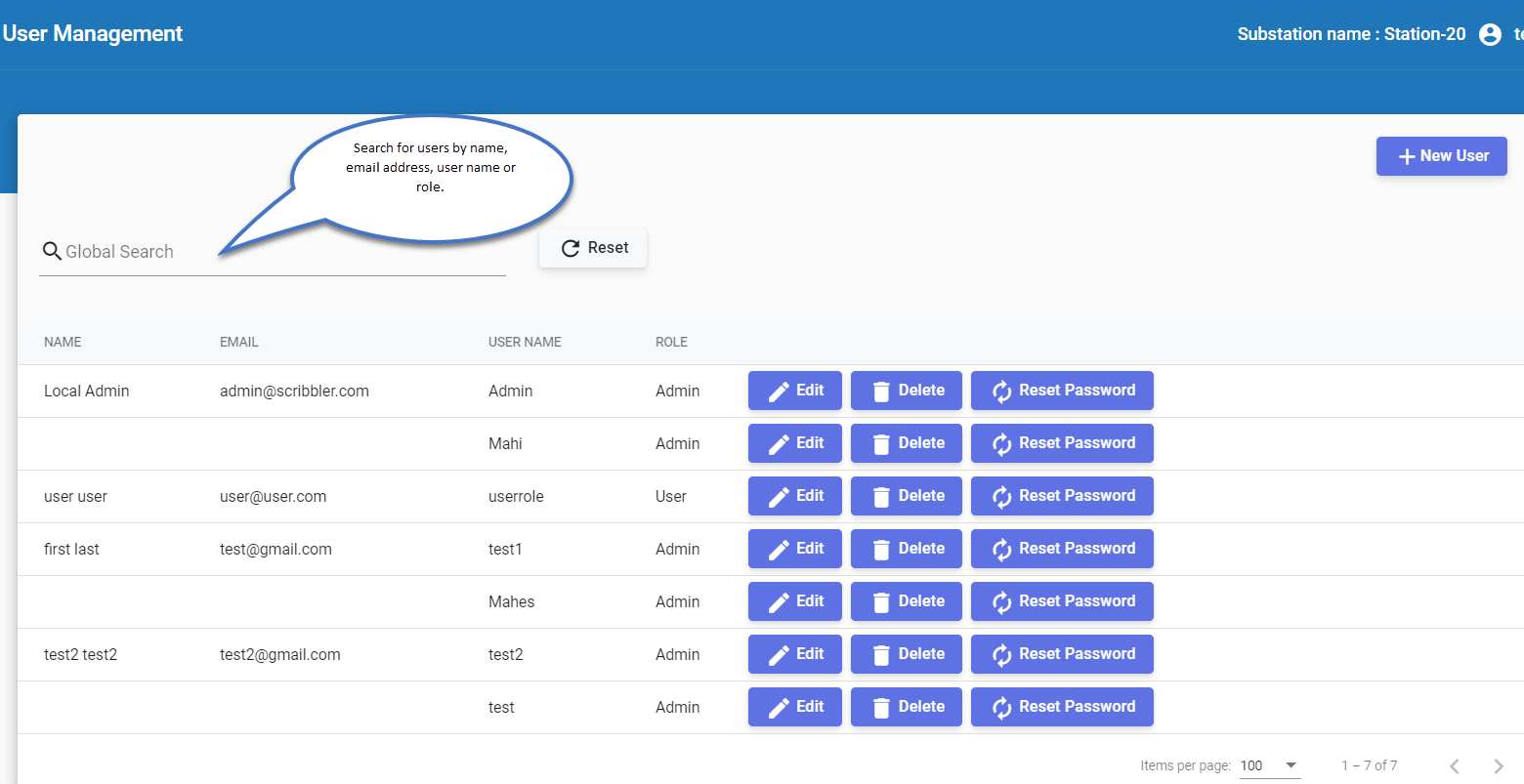
On this page, user accounts registered in the application can be searched by name, email address, username, or role. The following actions can be performed from this page:
📄️ 6.1 Creating New User
You can create a new user account and assign a user role.
📄️ 6.2 Editing User Details
You can edit and update user account details except the username.
📄️ 6.3 Deleting User
You can delete a user account that is no longer in use.
📄️ 6.4 Resetting User Password
Administrators can reset the password of any other user account.