4.11 How to configure general settings
The General Configuration page provides options to configure security settings for account logins, session timeout, and password expiry. You can also configure audit logging IP address and banners.
Procedure
-
In the navigation pane, navigate to Configuration > General.
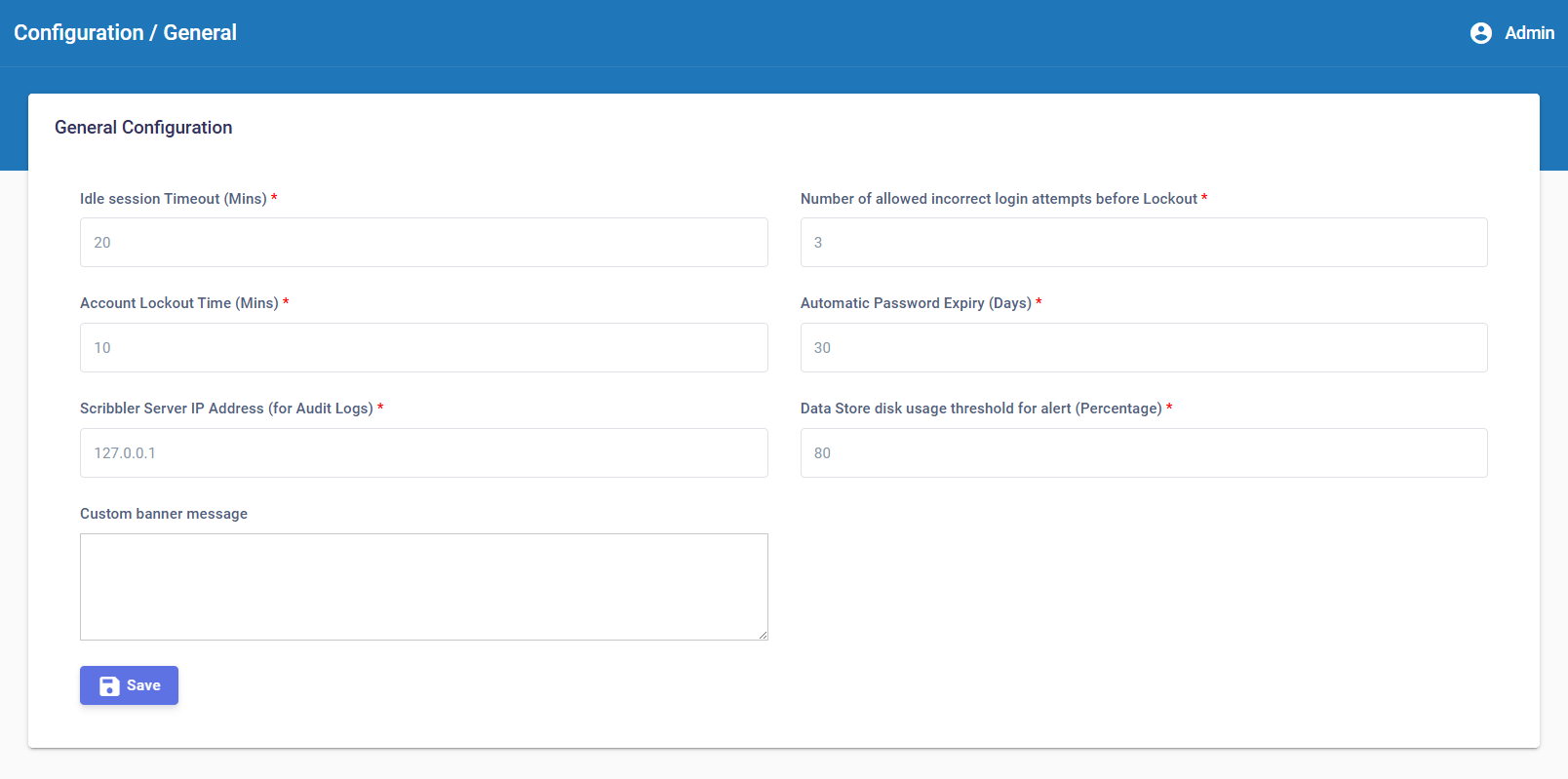
Enter the values for the fields on the page. The following table describes the fields.
Field Description Idle session Timeout (Mins) The period of inactivity after which a user’s session is automatically terminated or logged out by the system. Number of allowed incorrect login attempts before Lockout The maximum number of login attempts allowed before the user account is locked out. Account Lockout Time (Mins) Time in minutes for which the user will be locked out of their account. Automatic Password Expiry (Days) The number of days after which the user password automatically expires. Scribbler Server IP Address (for Audit Logs) The IP address of the Scribbler server to collect audit logs. Data Store disk usage threshold for alert (Percentage) The configured percentage of disk usage, that triggers an alert when storage utilization exceeds the defined limit. Custom banner message Text that will be displayed as banner message prior to the login page. -
After you enter the configuration values, click
 .
.